· 3 min read
How to Use a Makeup Wishlist to Avoid Impulse Purchases
Build a makeup wishlist that records the reason, price and existing alternatives for a purchase. Use it to make deliberate choices instead of collecting sale links.
By Vannie
A useful makeup wishlist records why you want a product, not just where to buy it. Add the exact shade, price and existing alternatives, then return to the entry when you are ready to make a decision.
The list can be a note, spreadsheet or other tool you already use. It does not need an elaborate app or automatic price tracking.
Give each entry a reason
Write the product, shade, size and what you expect it to add to your routine. “A sheer everyday red” is more informative than “looks pretty.”
Then identify the trigger: a recommendation, packaging, a sale or a gap you noticed while getting ready. The trigger is context, not a reason to judge yourself.
If you cannot describe when you would use the product, leave that question open rather than inventing a use case.
Check the collection you already have
Compare the wishlist item with the products you own in the same category. Look at function, shade, finish and how often you reach for alternatives.
You may already have something that meets the need. You may also find a meaningful difference worth considering. The check helps make that distinction.
Use your inventory for the comparison, but do not assume similar photographs prove identical colours. Packaging and screen lighting can affect appearance.
Keep the decision fields simple
| Wishlist field | Example of a useful answer |
|---|---|
| Exact item | Product, shade and size |
| Intended use | Everyday work lip colour |
| Existing alternative | Two similar colours already owned |
| Reason for interest | Prefer a different finish |
| Current price | Amount, currency and date checked |
| Decision | Wait, remove or consider buying |
| Review date | A date you choose to revisit it |
The example answers illustrate the structure, not a recommendation to buy a particular product.
A review date is a pause point. It is not an appointment that requires purchasing when the date arrives.
Choose a pause that fits your goal
You might revisit the list after a few days, at the end of the month or when an existing item is finished. There is no universal waiting period that guarantees a better decision.
Avoid repeatedly browsing the same store while telling yourself the product is merely “on the list.” If looking at it keeps creating urgency, a plain text entry may serve you better than a saved shopping basket.
Keep expired offers as context if helpful, but do not treat a past discount as money you lost.
Remove items without replacing them
At your review, ask whether the product still matters and whether the original reason remains true. Your preferences can change.
Removing an item does not create an empty slot that needs a new product. A shorter list can be a useful result.
If you choose to buy, check the exact shade, size, final cost and current terms. Record the purchase once in your inventory rather than leaving the item in both a wishlist and an active shopping queue.
Connect interest with actual use
Look back at products that moved from your wishlist into your collection. Did they fill the role you expected? Are they used as often as you imagined?
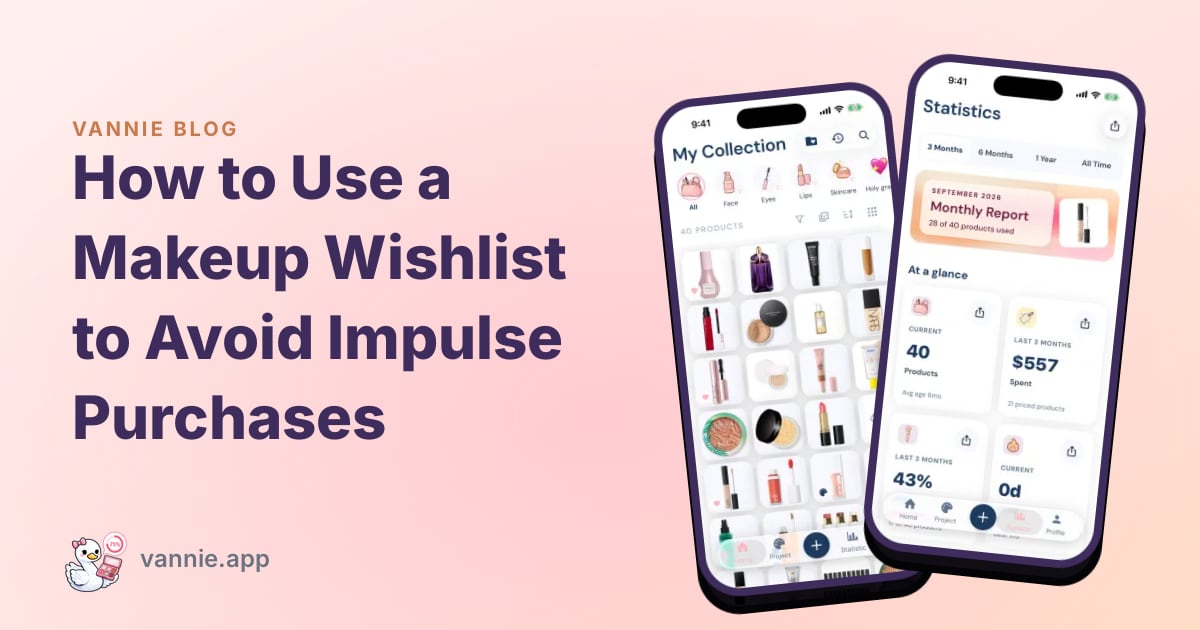
Vannie can supply the inventory and usage context for this review, while your wishlist can stay in a separate note. Get Vannie for iOS or Android to keep the products you own visible before deciding what to add.
The aim is a purchase you understand, whether the final answer is yes, later or no.